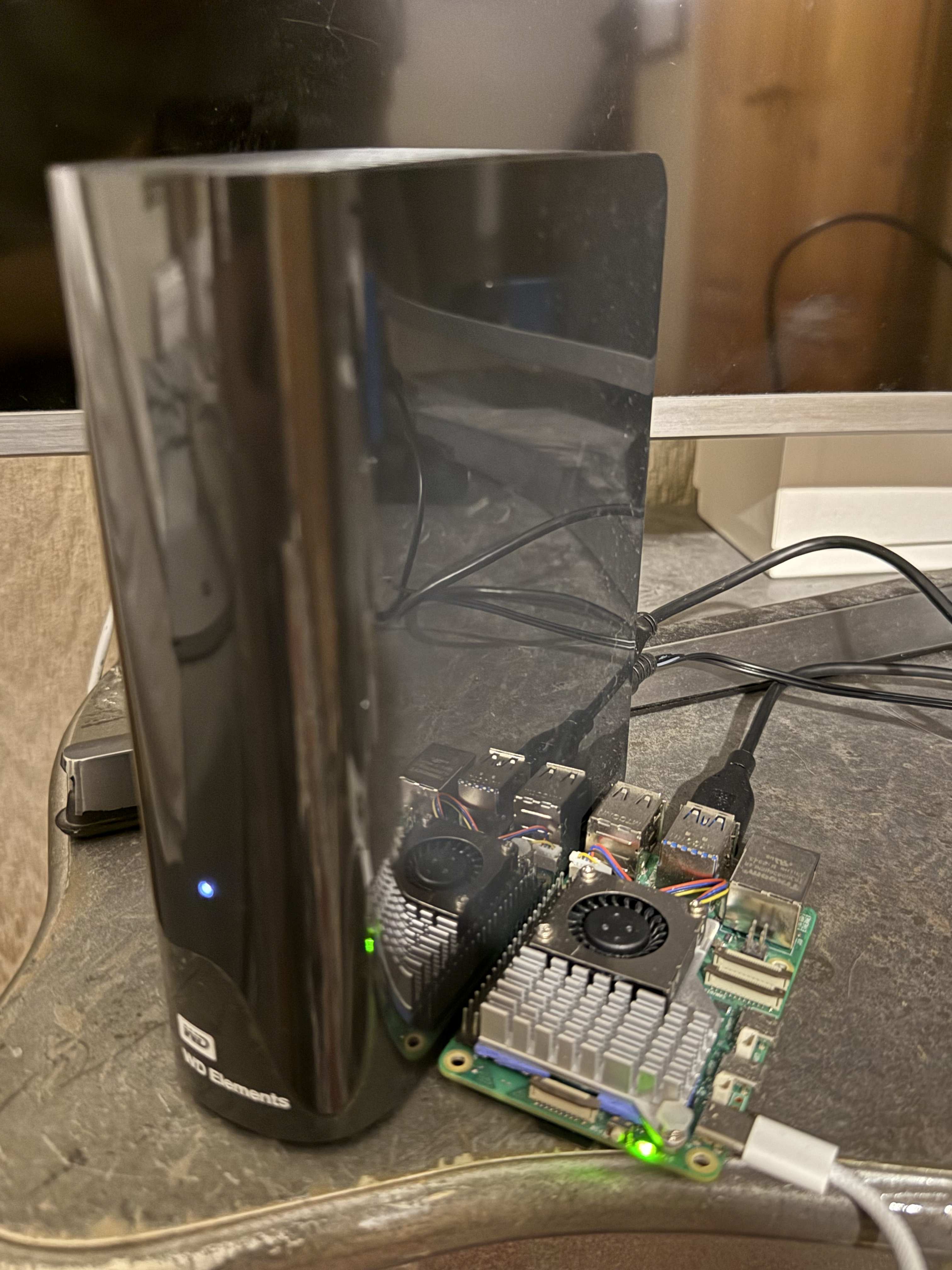
What I did
The setup is dead simple. Plug the USB drive into the Pi, mount it, share it over the network with Samba. That’s it.
Mount the drive
Plug in the drive and find it:
lsblk
sudo blkid /dev/sda1
Mount it:
sudo mkdir -p /mnt/nas
sudo mount -t ntfs-3g -o uid=pi,gid=pi,umask=002 /dev/sda1 /mnt/nas
To make it stick across reboots, add this to /etc/fstab (swap in your UUID from blkid):
UUID=B6BE42BDBE427641 /mnt/nas ntfs-3g defaults,uid=pi,gid=pi,umask=002,nofail 0 0
Share it with Samba
sudo apt update
sudo apt install samba
Add this to the bottom of /etc/samba/smb.conf:
[NAS]
   path = /mnt/nas
   browseable = yes
   read only = no
   guest ok = no
   valid users = pi
   force user = pi
Set a password and restart:
sudo smbpasswd -a pi
sudo systemctl restart smbd
Access it
From any device on the network:
- Windows:
\\<raspberry_pi_ip>\NAS - macOS: Finder → Go → Connect to Server →
smb://<raspberry_pi_ip>/NAS - Linux:
smb://<raspberry_pi_ip>/NAS
That’s the whole thing. No formatting the drive, no data loss, just plug in and go.
Bonus: access it from anywhere
And if you ever find yourself on a beach in the Bahamas desperately needing to access your cat pictures while your drive is sitting at home collecting dust — just set up Tailscale. It creates a secure tunnel to your home network, so your NAS works as if you never left the house. Your cats will thank you.